jpg/jpeg/png
Click to open the picture, drag the local picture here, or paste the picture directly

jpg/jpeg/png
Click to open the picture, drag the local picture here, or paste the picture directly
 Image Translation Features
TranslateBase Image translation function , upload pictures and translate them with one click, supporting many languages around the world, efficient and convenient.
One-click upload, quickly identify the text content in the picture, and provide you with accurate translation results.
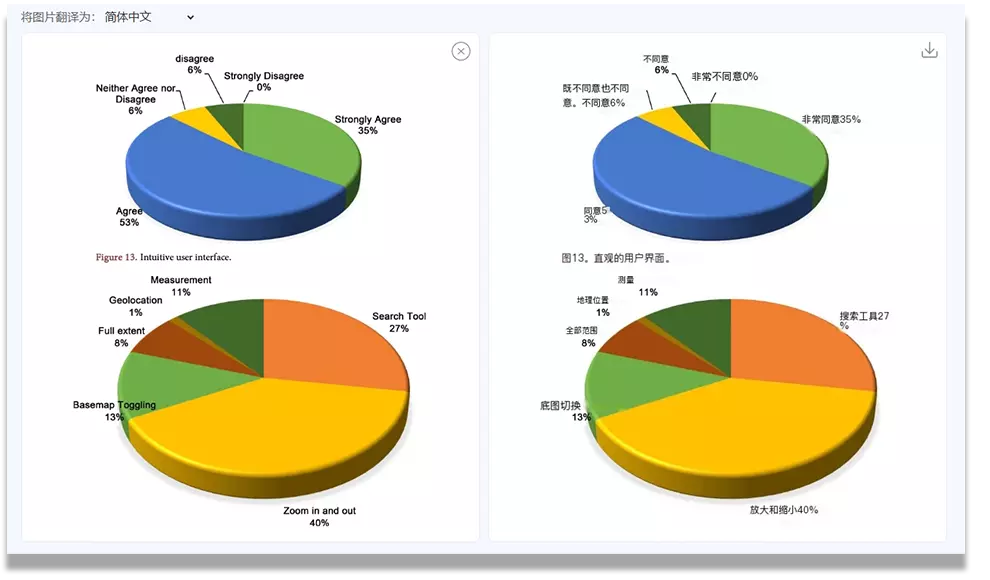
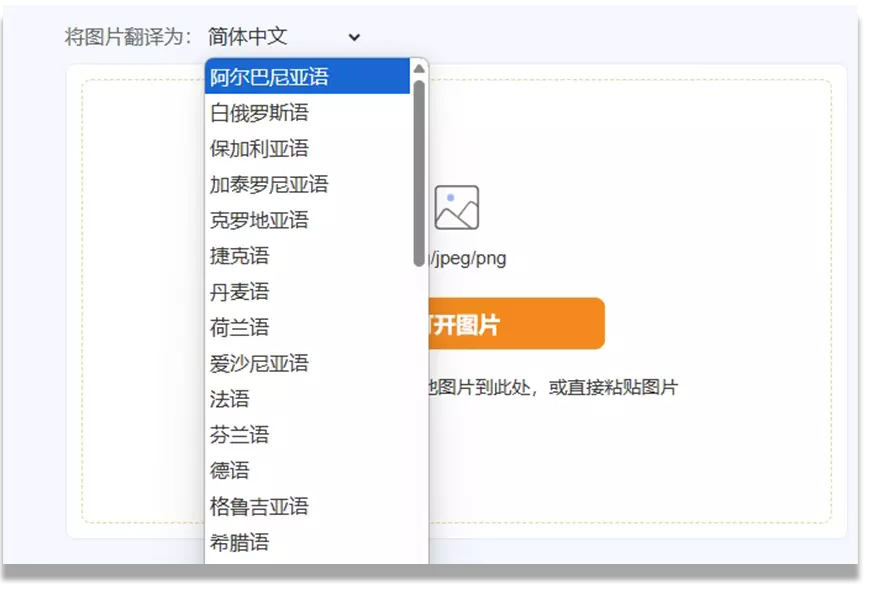
Supports many languages around the world, eliminating language barriers for you and freely accessing massive global information.
TranslateBase's Image Translation feature helps users automatically recognize and translate text in images into the desired language. Whether it’s text in logos, documents, or photos, you can quickly translate the text within an image.
Using the image translation feature is very simple. Just upload an image with text, choose the target language for translation, and the system will provide the translated result.
Currently, TranslateBase supports common image formats such as JPG, JPEG, PNG, etc. Simply upload these image formats, and we will provide accurate translation services for you.
After uploading and translating the image, you can view the translation result on the page. The system will display the translated text at the corresponding location in the image, and you can also click the top right corner to download the translated image.
Yes, TranslateBase’s image translation feature supports translation between multiple languages. Whether you need translation into English, Chinese, German, French, etc., we can provide high-quality translation services.
We take your privacy and data security very seriously. All uploaded images and translation results are processed in a strictly secure environment, and we guarantee that your files or content will not be used for any other purpose.
Yes, there is a file size limit for the uploaded image. The specific size limit depends on your account type and the service being used. For larger image files, you may need to compress the file before uploading.